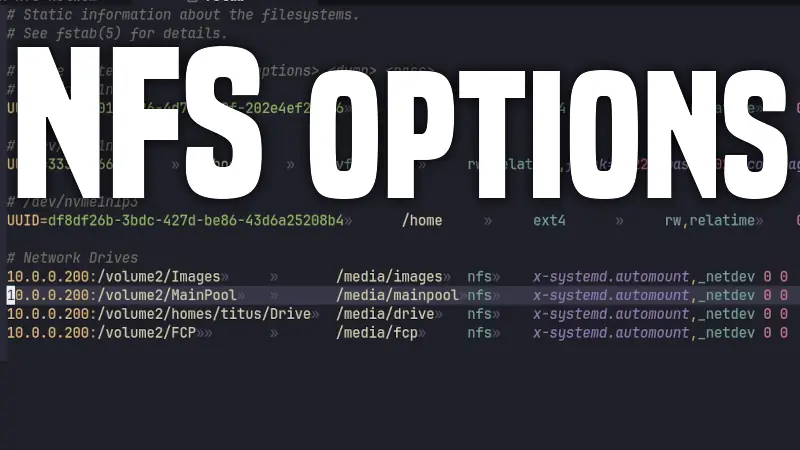
Best NFS Network Drive Settings for Linux
Most people mount NFS shares with a short line and move on. That works, but if you use network storage heavily (media libraries, VMs, homelab backups,...
Collection
Most people mount NFS shares with a short line and move on. That works, but if you use network storage heavily (media libraries, VMs, homelab backups,...
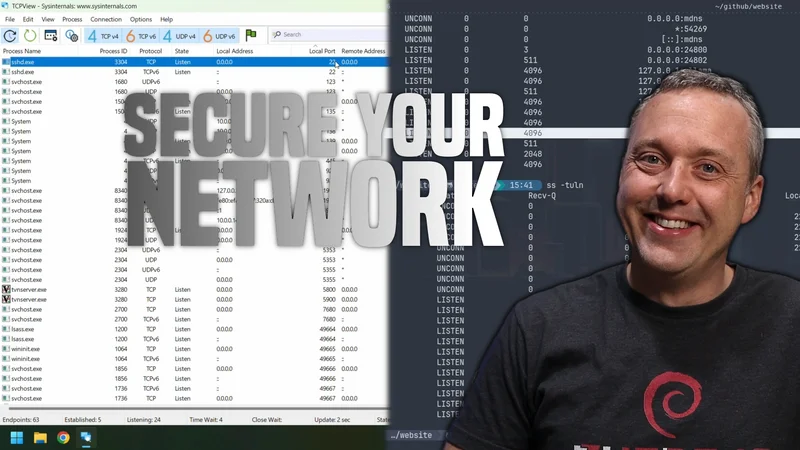
This article explains how to check to see if your network is secure, and if you have any open ports or services that could be vulnerable to attack. It...
On many Linux systems, IPv6 is prioritized over IPv4 by default. This can lead to connectivity issues if the network or services you are trying to rea...
Did you know most VPNs are owned by only a few companies? Those companies can even sell your data on top of charging you a subscription fee. In this p...
In the vast ecosystem of Windows, managing device drivers can be a complex task, especially when dealing with third party drivers. Tools like Driver S...
Remove YouTube shorts from your video browsing experience with the following blocklists!
TLDR Too long didn't read? The perfect solution for long man pages that we just want some quick examples and basic syntax for a command. TLDR is a vit...
Updated August 12, 2026: This guide now reflects the current Hugo workflow and this site's move from Netlify to Cloudflare Pages. The original video a...
This shows you all the steps to install a MacOS VM in Linux QEMU using Virtual Machine Manager or virt manager.
This shows how to automount remote network drives using systemd and fstab