Use Firecrawl to Keep Your Website Up to Date
Keeping a website current takes more than fixing broken links. A tutorial can load perfectly while pointing readers to an old installer, an abandoned...
Collection
Technology guides and commentary
Keeping a website current takes more than fixing broken links. A tutorial can load perfectly while pointing readers to an old installer, an abandoned...
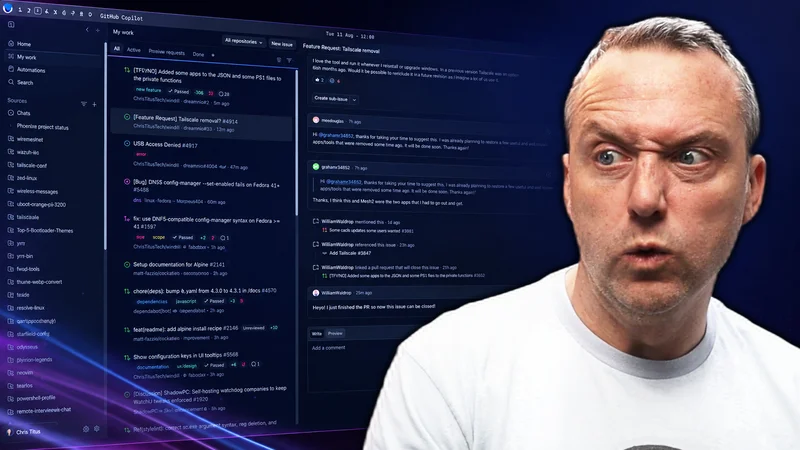
GitHub Copilot is a terrible name for this app. Microsoft has put the Copilot name on everything, but this is much more useful as a GitHub desktop das...
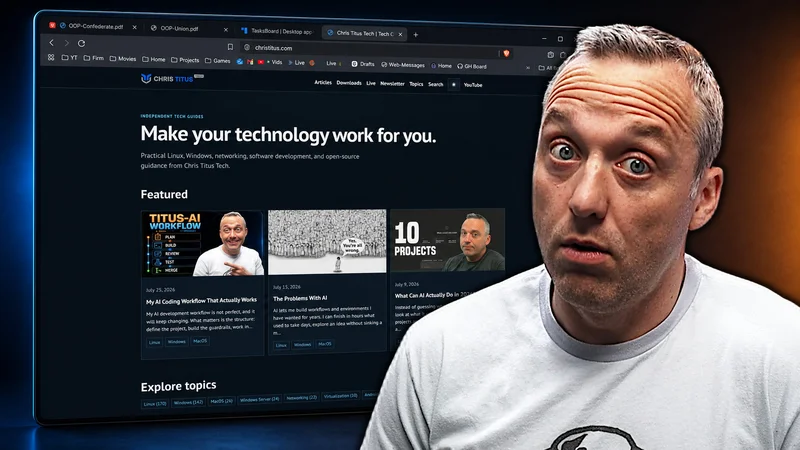
Four years ago, I built this website with Hugo. In August 2026, I deleted the Hugo build, replaced it with Astro, and moved the entire production site...
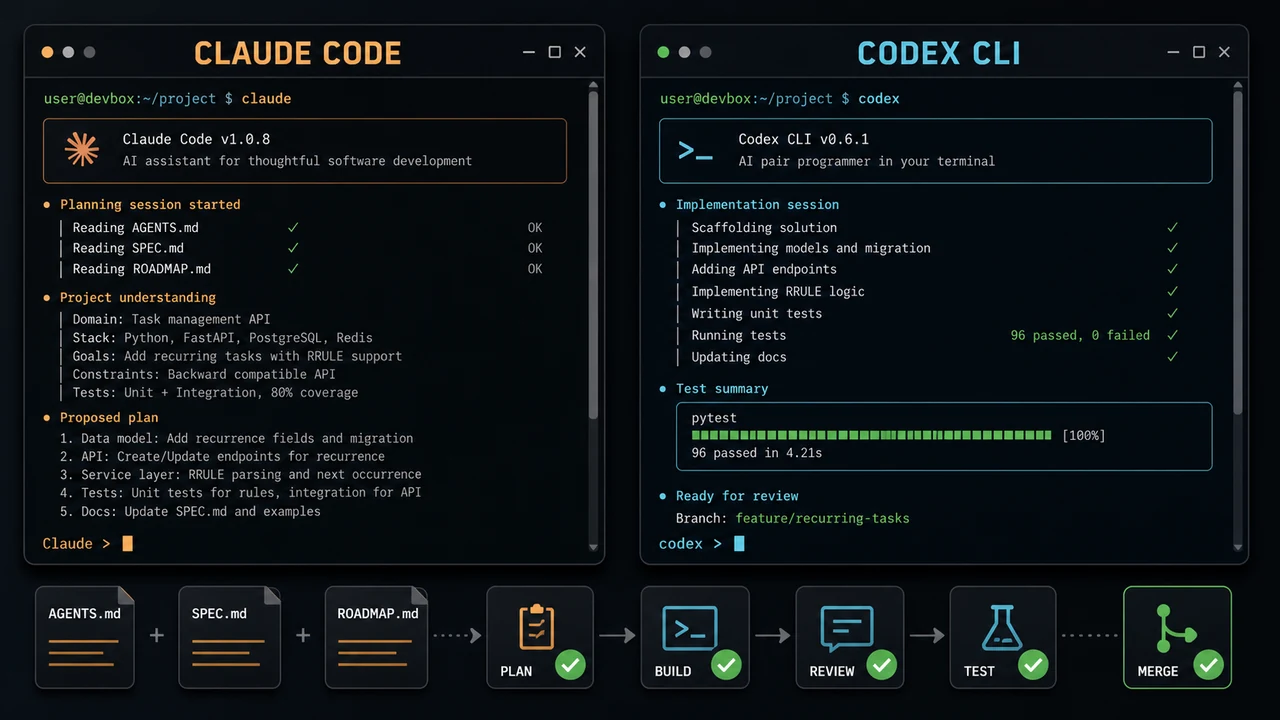
My AI development workflow is not perfect, and it will keep changing. What matters is the structure: define the project, build the guardrails, work in...
AI lets me build workflows and environments I have wanted for years. I can finish in hours what used to take days, explore an idea without sinking a m...
Instead of guessing what AI might become, let's look at what it can actually do today. These are the projects and workflows I have completed with AI a...
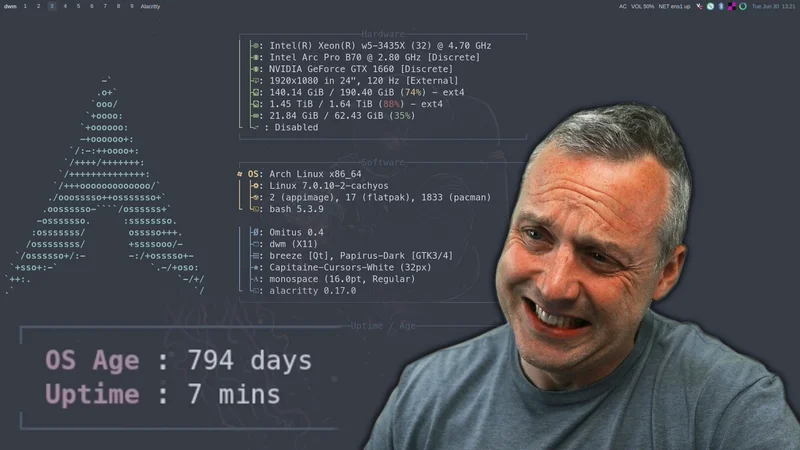
Arch Linux has always been the distro for people who want control, speed, and the newest packages as soon as they land. That is also the tradeoff. Whe...
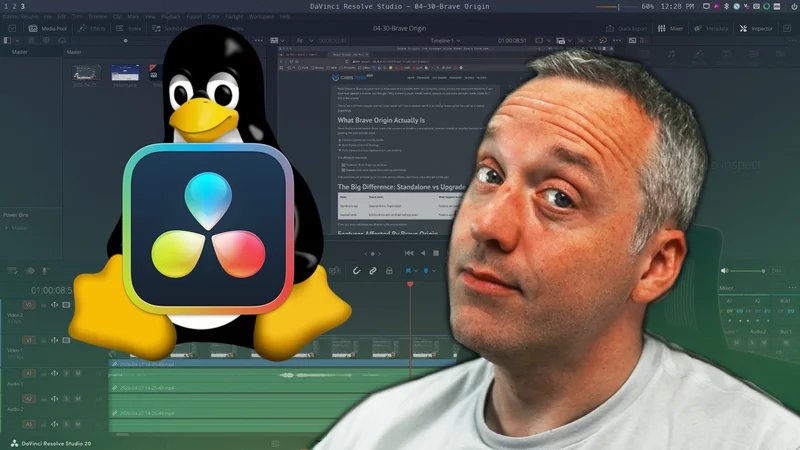
DaVinci Resolve on Arch Linux is one of those setups that can be perfect for weeks and then break after one system update. The problem is not that Arc...
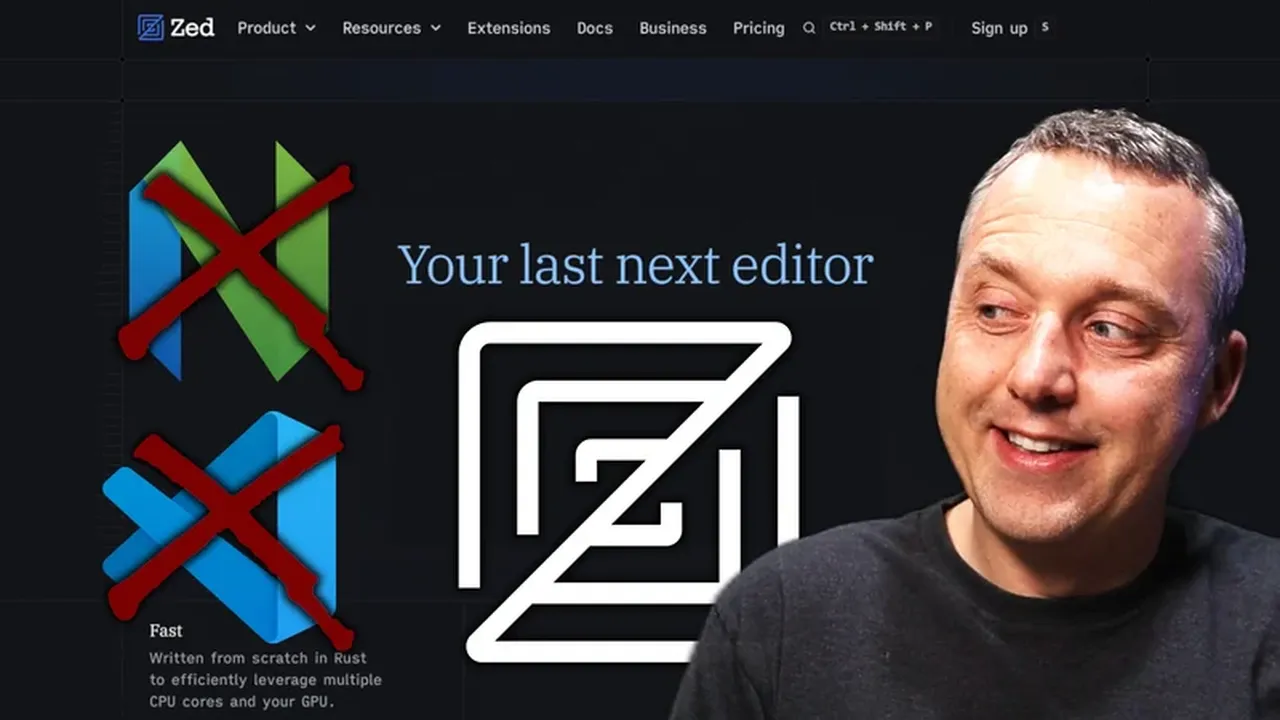
Zed is what happens when an editor is built for speed first. It is written in Rust, rendered with the GPU, and feels instant in a way most Electron ba...
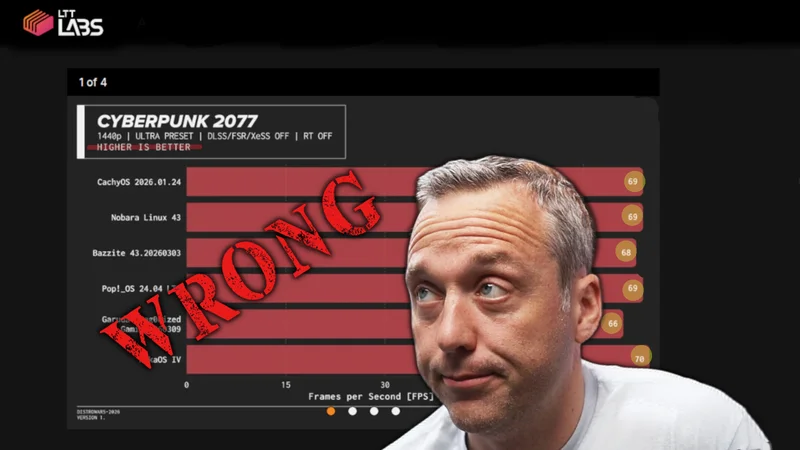
Proper Linux benchmarking is not about the biggest single run. It is about building a clean baseline, controlling variables, repeating runs for statis...