Instead of guessing what AI might become, let’s look at what it can actually do today. These are the projects and workflows I have completed with AI as of July 2026.
The short version is that AI is useful, but it is not magic. It is excellent at research, documentation, code review, scaffolding, testing, and shortening long debugging sessions. It is far less reliable when someone asks it to build complex software without understanding the system underneath.
AI as a Better Search Tool
For most people, the everyday use for AI is simple: ask a direct question and get a direct answer. That is often faster than digging through five ad-covered pages to find one useful paragraph.
Today, that usually means using ChatGPT, Claude, or another cloud service. In the long run, I think local large language models (LLMs) will handle more of this work for people who care about privacy and control. A model running on your computer could search your files, summarize documentation, and answer practical questions without sending every request to another company’s server.
This is not the flashiest use for AI, but it may be the one people use most often.
AI Does Not Replace Understanding
Can someone use AI to create a substantial program, game, or app from scratch? Yes, but not reliably without knowing how the underlying system works.
Writing the code is only part of the job. You still need to make decisions such as:
- Which framework fits the project?
- Where does the application store its state?
- How does data move through the system?
- How will authentication and security work?
- What needs to be tested?
- How will the project be deployed and maintained?
Without that knowledge, AI can generate something that looks impressive in a demo but falls apart under real use. It can burn through millions of tokens, produce thousands of lines of code, and still leave you with a fragile project that nobody wants to maintain.
AI works best when the person using it knows enough to steer the work, review the output, and recognize a bad decision. It can accelerate a solid workflow, but it does not replace judgment.
What I Have Completed with AI
I have used AI successfully on the following projects and workflows. Each one had a clear target, an existing foundation, or enough hands-on oversight to keep the work grounded.
- My Hero Ultra: Built and refined an Astro website for a game my kids play.
- dwm-titus: Reworked my desktop customization workflow while moving from Arch to Fedora and experimenting with Quickshell.
- Automated COPR repository: Automated the build and maintenance workflow for my Fedora packages.
- Website Messages: Created an admin dashboard for managing website messages.
- Testing and code review: Used Git workflows, local linting, and targeted tests to catch both human and AI-generated mistakes before they shipped.
- Documentation and codebase summaries: Used AI to explain unfamiliar systems and reduce the time needed to understand a project.
- Project scaffolding: Generated initial layouts, boilerplate, and setup steps instead of starting from an empty directory.
- Long debugging sessions: Used LLMs to narrow the search space, inspect error paths, and reach the failing component faster.
Larger Projects Still Require Engineering
AI has also helped with larger, multi-month projects, but only after the work was divided into real engineering tasks.
- TitusBooks: A Quickshell-based book management system designed for self-hosted, multi-user environments.
- 3Plates: An Expo-based application for Android, iOS, and the web, with a hosted database, OAuth, and a self-hosted deployment option.
These are not “type one prompt and get an app” projects. They still require architecture, planning, testing, debugging, and careful review. AI can help with every stage, but it remains part of the workflow rather than the entire workflow.
Where AI Fits in 2026
The best way to use AI in 2026 is as an extremely fast assistant that still needs clear direction.
AI is especially helpful for:
- research and search summaries
- documentation
- code review
- tests and lint cleanup
- project scaffolding
- debugging
- explaining unfamiliar code
Be more careful when using it for:
- architecture decisions you do not understand
- security-sensitive code
- authentication and payments
- database design and migrations
- anything you cannot test or maintain yourself
The dividing line is simple: if you understand the system, AI can make you much faster. If you do not understand it, AI can help you make the wrong decision at a much larger scale.
Walkthrough Video
The video below covers these examples and shows how I use AI in real projects.
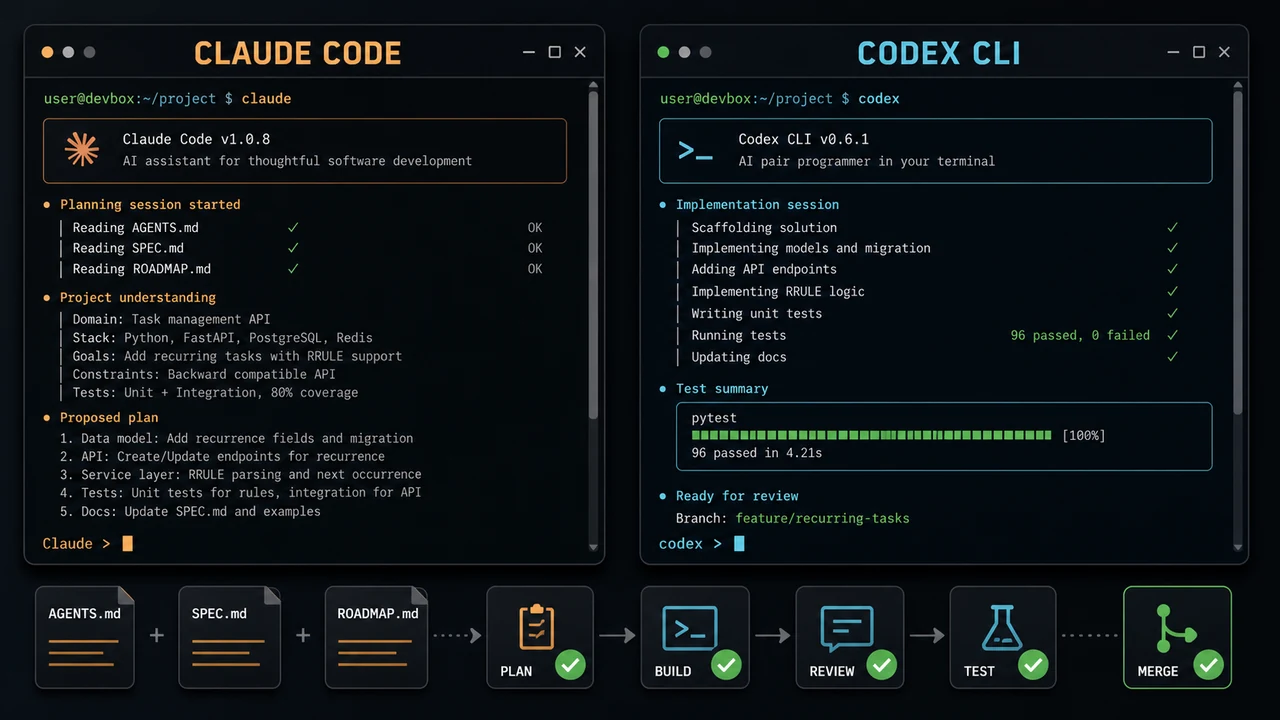





Comments
Comments load when this section comes into view.