Using IOMeter to determine hard drive performance
Using IOMeter will give you a great benchmark on any hard drives and network drives you have. I use this quite often as you can see the effects of new...
Collection
Using IOMeter will give you a great benchmark on any hard drives and network drives you have. I use this quite often as you can see the effects of new...
Chrome started rolling out update 69 at the beginning of this month (September 2018) causing a missing www in the address bar. There are two things th...
The following video goes over installing Linux Subsystem on Windows 10. Most notably it allows you to run Linux terminal commands in Windows 10 withou...
Trying to Debloat Windows 10 is getting ridiculous and as a system admin it is soul crushing to see all that performance go to waste on the botched at...
This walkthrough shows you how to repair windows boot partition and boot from an existing windows installation without reinstalling windows.
Use the following script for changing file permissions using PowerShell. I use this script when command line takeown and icacls fail. Obviously, run f...
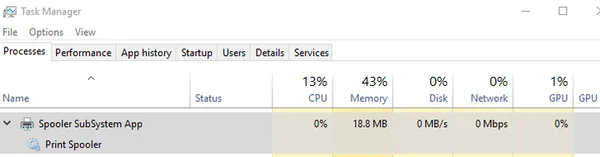
Perform the following steps to solve the Spooler subsystem app high CPU usage. I recently updated a computer to Windows 10 and found that the spooler...
The following script shows you how to launch a startup program to run as administrator in Windows 10. This fixes many programs that require elevation...
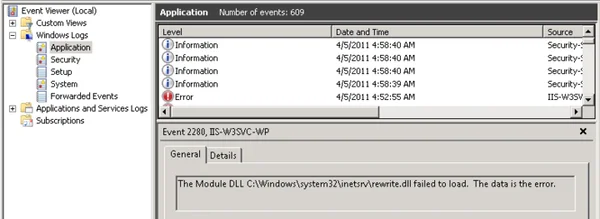
This article shows you what to do if you get the rewrite.dll failed to load in Windows 10 event viewer for Windows 10 IIS.
If you run into SFC scannow error which cannot be repaired chances are you have some corrupt system components. The fastest way to fix this is by foll...