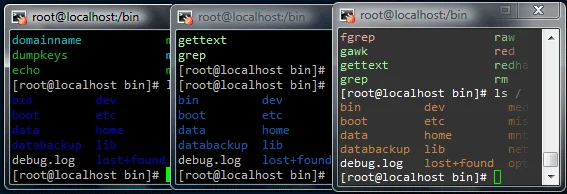
Here is the syntax for using the find command Linux terminal. The following commands are great to have in your back pocket when looking for specific files or directories.
Find a file
How to find a file from the root directory and check the entire system:
find / -name filename.ext
View the directory structure
See directory structure without files (requires tree use yum or apt-get to install)
tree -d /var/www/
Note: if you don’t include the -d it will list ALL files and folders
The two commands I use almost daily as they are fantastic for finding files or just seeing how a programs directories are structured.




Comments
Comments load when this section comes into view.